

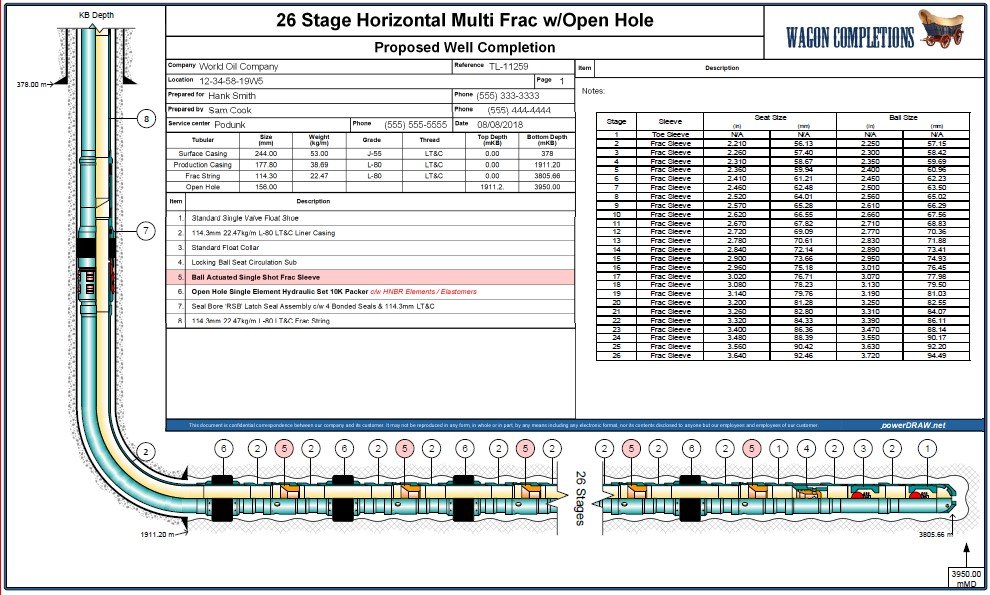
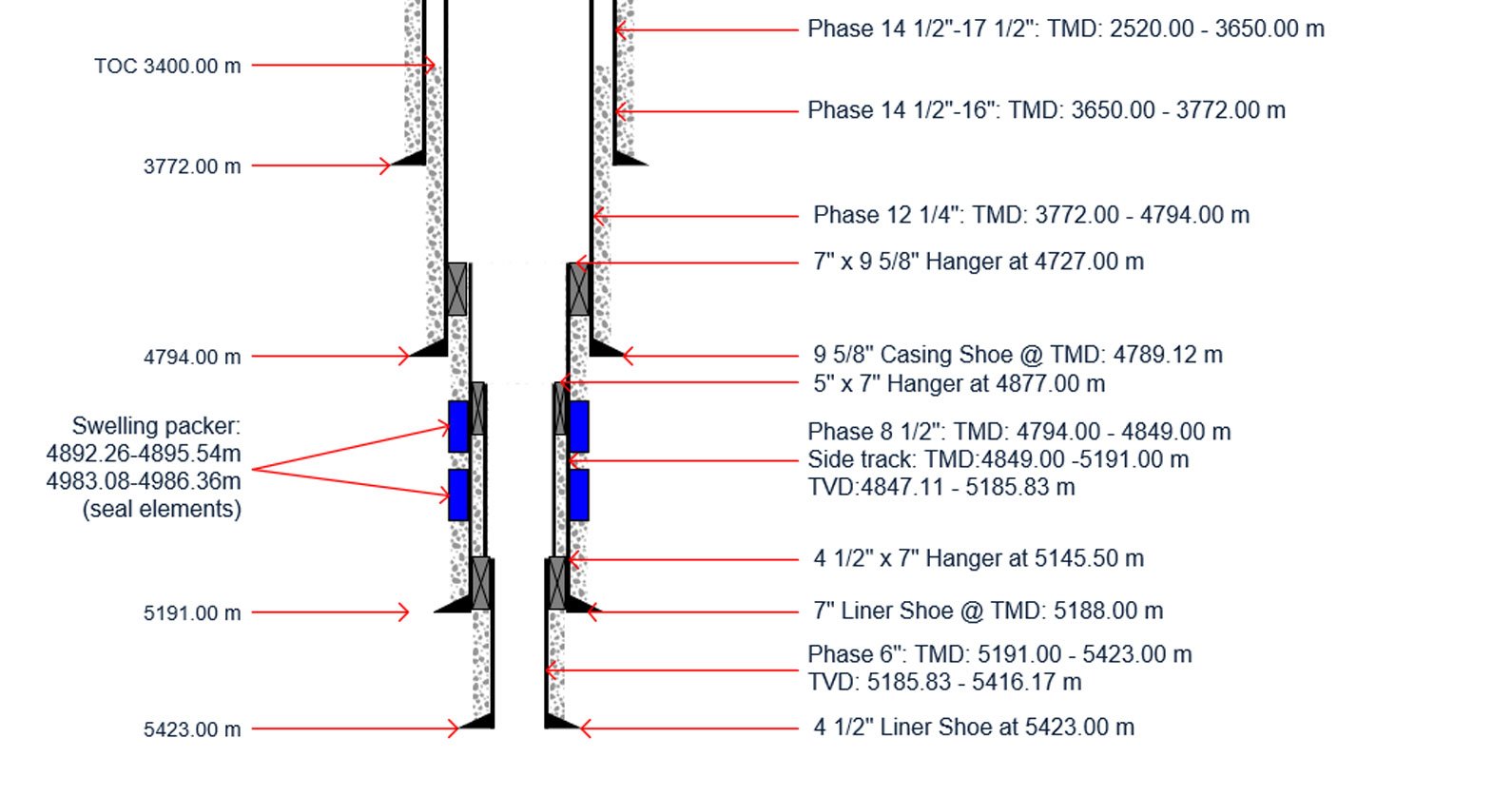
well schematic drawing
Software and Services
We help oil & gas workers around the world to visualize their wells
with high quality, accurate, well schematic drawings
Using affordable, quick, and easy-to-use software and services.

Our Products
Powerdraw Plug-in to Visio Package
Our Services
As with any tool, there is a learning curve component. Our products are intuitive and easy to use, but sometimes representing a well accurately with a drawing can be quite challenging. Our experience has proved that most users just need a little help from time to time to keep them up on their drawing skills.
“It’s easy if I knew how.”
Training Course
Online Coaching
development Consulting


our clients
“If you are looking for a great way to give a visual overview or a quick snapshot of your well schematic, use powerdraw! It’s my go-to-software when designing new wellbores or updating “as drilled” wells. I’ve been using powerdraw for over 10 years!! The product is easy to use and the support is top notch!!.” ~ Wheeler Renshaw | Drilling Coordinator
“I have been involved with downhole technologies for most of my career. Being able to illustrate concepts and bottom hole assemblies by using powerdraw has been instrumental in a number of successful projects. The output from powerdraw is very professional and easy to understand. The program itself is very user friendly and makes fantastic well schematics! I would not hesitate in recommending it to others.” - Andrew Buzinsky MBA, CMA-CPA, P.Eng.








